







The ideal payment button for your online store.

Start accepting online payments today

Install the Payphone payment button, free and easy to install.

What is the Payment button?

Get paid online quickly and secure in your online store.

No banks, no complex integrations with our plugins for Wordpress and PrestaShop.

Entrepreneur receives online payment through the Payphone payment button.

No coding,

no headaches

Just copy, paste and start selling.

Fast setup

with our plugins

Start accepting online payments in as little as 10 minutes.

If you sell online, this is for you.

Perfect for anyone who wants to accept card payments on their website without complications.

E-commerce store integrates the Payphone payment button to its website to start charging online.
E-commerce stores
Accept card payments directly into your account from your site no intermediaries, no development required.
Freelancer integrates the Payphone payment button into its online business.
Freelancers with their own website
Get paid like a pro. Fast, secure, and simple. Add the Payphone payment button to your site in minutes and start today.
An entrepreneur is looking for a way to collect money online, discover the Payphone payment button.
Businesses looking to monetize
Turn your website traffic into revenue with a payment button built to convert.

Get paid like the big players

Benefits that click
with your business.

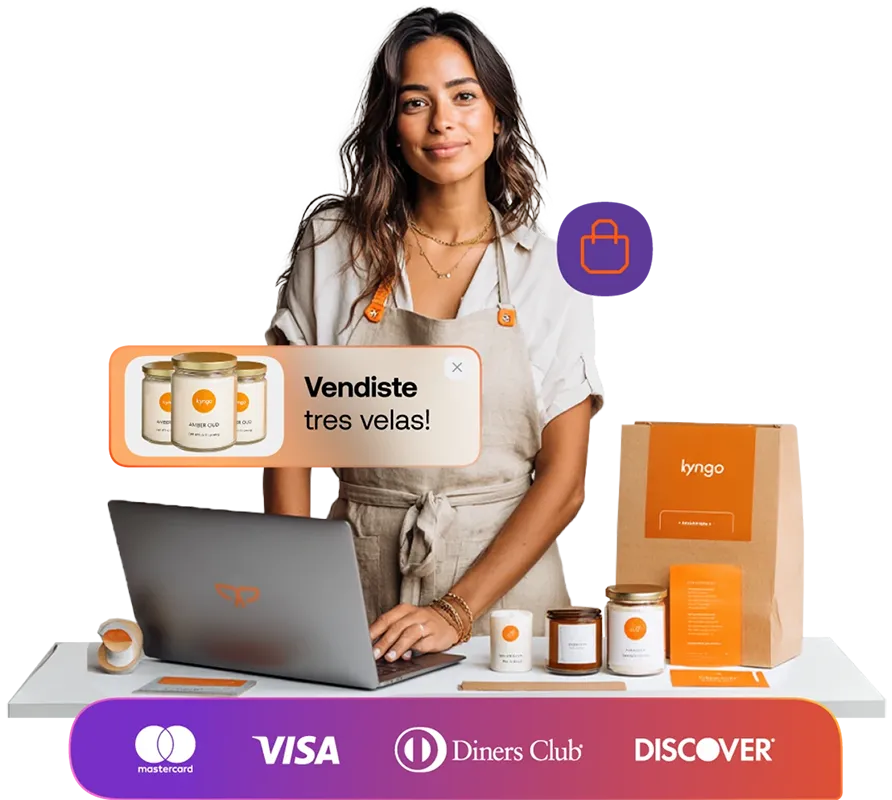
Accepts payments with VISA, Mastercard, Diners Club and Discover from your website.

No fixed costs

Forget subscriptions. Pay a flat 5% + VAT commission only when you get paid.
Emprendedora vende sus productos online gracias al botón de pago de Payphone.

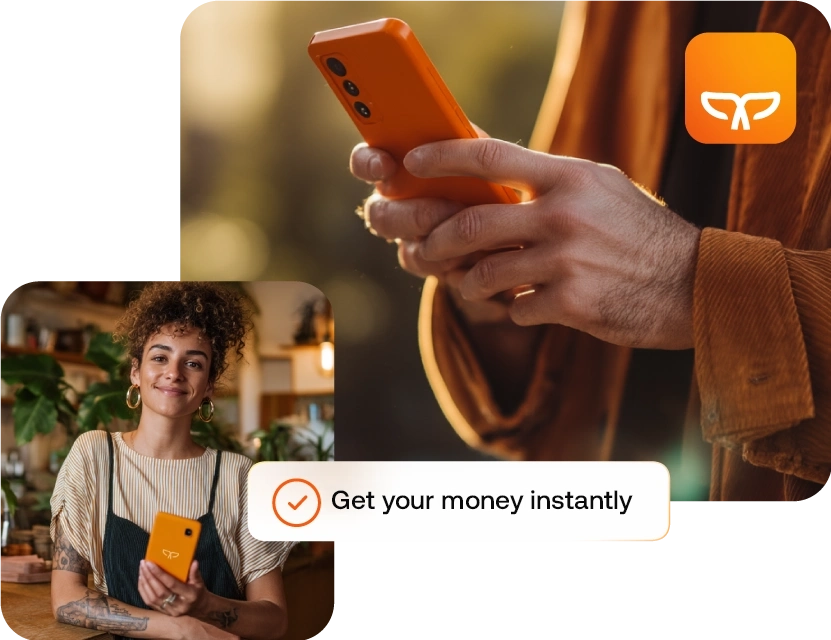
Get your money instantly

As soon as you get paid, you get your money. Keep cash flow active, without waiting.

No minimum amounts

Accept payments from $1 to $1,000 — or any amount you choose. Get paid directly into your account.

Top-level fraud protection

With a PCI DSS 4.0 certificate (unique in LATAM) and 3DS technology, your money and that of your customers is well protected.

Get started in 4 steps

How does the payment button work?

Accept online payments quickly and securely on your website.

1.

Sign up at Payphone Business

You only need your email, RUC and your user with the role of “Developer”.

2.

Install the plugin on your website

Go to the plugins section, and search “Payphone”, then install it on your website.

3.

Paste the credentials

Copy and paste the access keys in the plugin.

4.

Start accepting online payments​

Get paid instantly, no monthly fees, no technical hassle.

Entrepreneurs sell shoes online using the Payphone payment button.

Integrate it in minutes.

Connect your payment button without coding.

Compatible with the most popular e-commerce platforms and anywhere you can copy and paste code.

in Wordpress

Online stores

Integrate with Woocommerce in minutes.

built with PrestaShop

Pages

Start accepting payments online with no coding.

platform?

Using another

Find out how to integrate here.

Learn more

Installments, so you don't miss a sale!

Offers your customers installment payments at 3, 6, 9 and 12 months when they pay with Payphone.

You get paid instantly; your customer pays in installments with their bank.

No extra setup: already enabled.

No hidden terms: available for purchases over $50 USD.

Emprendedora atiende a su cliente desde su laptop.

*T&C applies. Applies only to cards issued in Ecuador.

Video
tutorials.

See how easy it is to activate the Payphone payment button.

Customer testimonials.

The payment button has transformed their business!

Business

Diana Palma
Sell crafts online

“I thought that setting up a payment gateway was very complicated but this button was in 1 day I had everything running 💸”

Rodrigo Jara
Online urban clothing store

“Thanks to the payment button, I already have direct sales on my website, before I only sold through networks. It's brutal.”

Business

Business

Leo Torres
Freelancer, Creative

“I love it because I forget to send payment details. My customers only enter the site and pay right there.”

Katy Roldán
Online cosmetics store

“I recommend a thousand. I put it on my soap page and it integrates easily, without paying extra per month 👌”

Business

Business

“It really helped me to grow my online store. Before it was just a catalog, now they pay me directly and I have more confidence with customers.”

Silvia Garzón
Online stationery store
Valeria Acosta
Life coach

“I put it myself on my coaching website and I didn't need to program or have a dev. Literal was to copy, paste and start charging 😎”

Business

Business

Carlos Mendieta
Online store for sports supplements

“With the payment button, my customers can buy on my website and pay by card, without writing to me on WhatsApp or anything. It looks super pro and saves me time.”

María Paula Gómez
Clinical psychologist

“I am a psychologist and since I put the button on my page I no longer need the transfers. The patient schedules and pays directly 🙌”

Business

Business

Majo López
Nutritionist

“I am a nutritionist and I collect advice with the direct button on my landing page. The best part is that they accept Visa, Mastercard, everything.”

Business

Diana Palma
Sell crafts online

“I thought that setting up a payment gateway was very complicated but this button was in 1 day I had everything running 💸”

Katy Roldán
Online cosmetics store

“I recommend a thousand. I put it on my soap page and it integrates easily, without paying extra per month 👌”

Business

Business

Carlos Mendieta
Online store for sports supplements

“With the payment button, my customers can buy on my website and pay by card, without writing to me on WhatsApp or anything. It looks super pro and saves me time.”

Rodrigo Jara
Online urban clothing store

“Thanks to the payment button, I already have direct sales on my website, before I only sold through networks. It's brutal.”

Business

Business

“It really helped me to grow my online store. Before it was just a catalog, now they pay me directly and I have more confidence with customers.”

Silvia Garzón
Online stationery store
María Paula Gómez
Clinical psychologist

“I am a psychologist and since I put the button on my page I no longer need the transfers. The patient schedules and pays directly 🙌”

Business

Business

Leo Torres
Freelancer, Creative

“I love it because I forget to send payment details. My customers only enter the site and pay right there.”

Valeria Acosta
Life coach

“I put it myself on my coaching website and I didn't need to program or have a dev. Literal was to copy, paste and start charging 😎”

Business

Business

Majo López
Nutritionist

“I am a nutritionist and I collect advice with the direct button on my landing page. The best part is that they accept Visa, Mastercard, everything.”

Have questions?​

FAQs.

Find answers about security, fees, and bank compatibility.

Do I need to have an online store?

It’s not necessary to have an online store.​

You can add the payment button to your website using a WordPress or PrestaShop plugin. Just copy, paste, and start accepting online payments.​

If you created your website with another system, click here and learn how to integrate it.​

Learn more

Is a bank account needed?

No, you can receive online payments directly to your Payphone account. Then you decide if you use that money from the app or transfer it to a bank. You don't need a bank membership or paperwork.

Learn more

What cards do you accept?

Payphone's payment button accepts Visa, Mastercard, Diners, Discover and Payphone balance.

Learn more

How much does it cost to use it?

You only pay a 5% + VAT commission for each payment processed with the payment button.​

Learn more

How do I integrate it?

If you use WordPress or PrestaShop, you can easily integrate the payment button with a plugin.

For other types of websites, find out how to integrate it by watching the video tutorial.

Learn more

Start getting paid today.

Create your account and accept card ​payments from your phone.​ No bank, no card reader, no waiting.

Download the app

Scan the QR

Get your money instantly